
Ample Car Parking at Rear
Covide 19 – Information
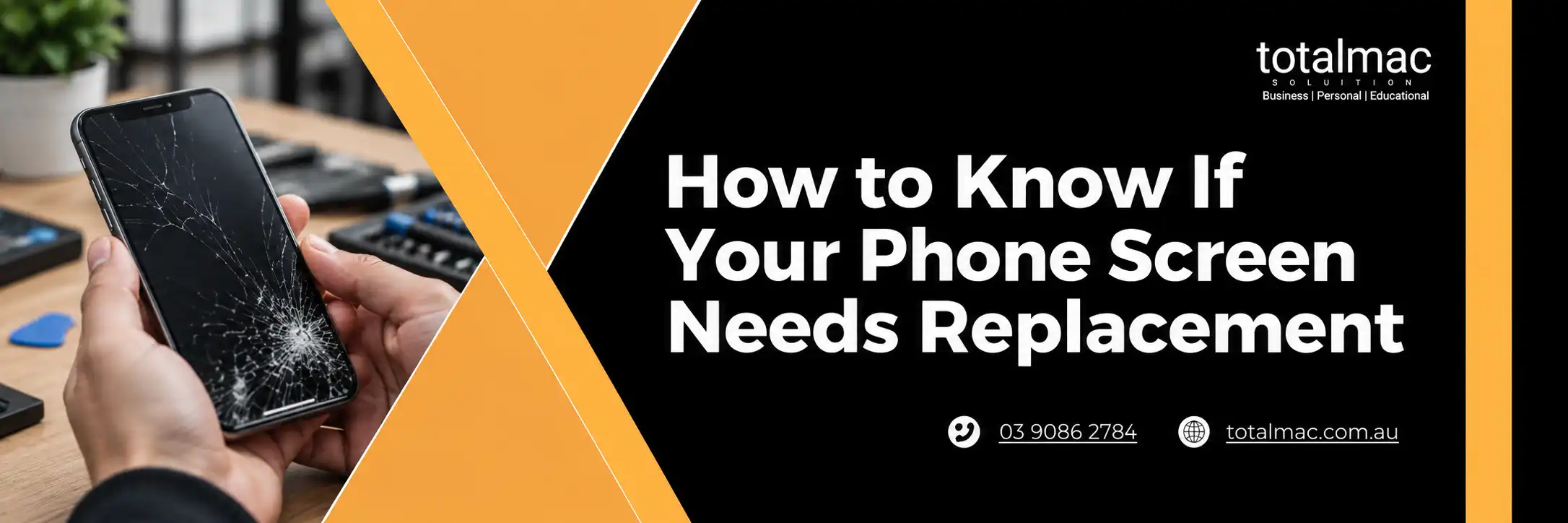
A cracked or flickering display rarely fixes itself. Small faults tend to spread, and they often affect touch response too.
Not every mark on a phone means a new screen is required. Some issues are cosmetic, while others point to internal damage that needs attention soon.
Knowing how to tell if your phone screen needs replacement helps you decide whether to repair now or keep an eye on it. The signs below cover the most common problems and what each one usually means.
A single hairline crack in a screen protector is not a concern. A crack in the glass itself is different, especially if it runs across the display or reaches the frame. Cracks like this can grow with normal handling, pocket pressure or temperature changes.
Coloured lines, black blotches or areas that stay dark mean the display panel underneath is damaged. Glass can look fine from the outside while the panel is failing. These faults do not go away with a restart, and they usually get larger over time.
Dark spreading patches, often starting at a corner, are a sign of internal panel damage. This can follow a drop or pressure on the phone. A replacement is normally the only way to remove it.
If taps land in the wrong spot, swipes stop halfway or the phone opens apps by itself, the digitiser may be damaged. This can happen even when the glass has no visible crack. Try a restart and remove any case or protector first, since those can sometimes cause similar symptoms.
A display that flashes, dims on its own or goes black while the phone is still running (you can hear notifications or calls) often has a connection or panel fault. If the phone is otherwise working, the screen is the likely cause.
An unusual colour cast can point to a failing panel. Check it against a white background, such as a blank note, to see if the tint is even across the screen.
Some symptoms look serious but have simpler causes:
If you are unsure, a technician can test the display before recommending any work.
If you cannot get to a repair straight away, a few habits limit the damage in the meantime:
These steps are only a short-term measure and do not replace a proper inspection.
A few quick steps protect your data and make the visit smoother:
Avoid using a phone with sharp broken glass, as it can cut your fingers and let dust or moisture reach the internal parts.
For most modern phones, a damaged display means replacing the whole screen assembly rather than patching the glass. The right option depends on your model and the type of damage.
If you would rather have a local option, suburb pages such as mobile repair services in Oakleigh and mobile repair services in Glen Waverley list what is available near you.
Book a screen check soon if you notice any of the following:
Waiting can turn a straightforward repair into a bigger one, particularly if dust, moisture or pressure reach the internal parts.
A phone screen needs replacement when the damage affects how the display looks, responds or holds together. Spreading cracks, lines, dark patches, flickering and unresponsive touch are the clearest signs, while light surface scratches and software glitches are often manageable without new parts.
If you are unsure which category your phone falls into, the team at Total Mac can inspect the display and explain your options before any work begins. You can contact us to arrange a check for your phone or tablet.